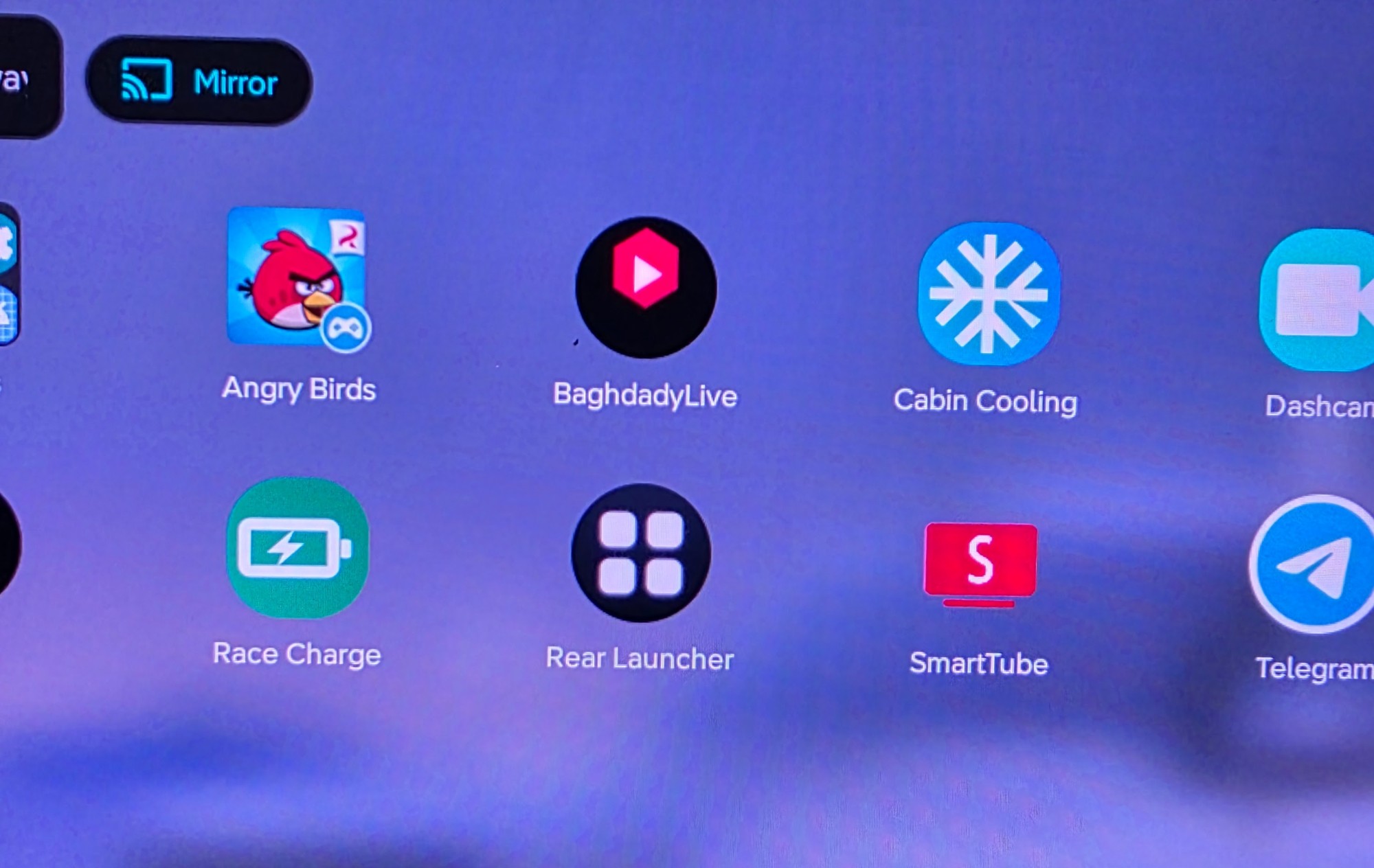
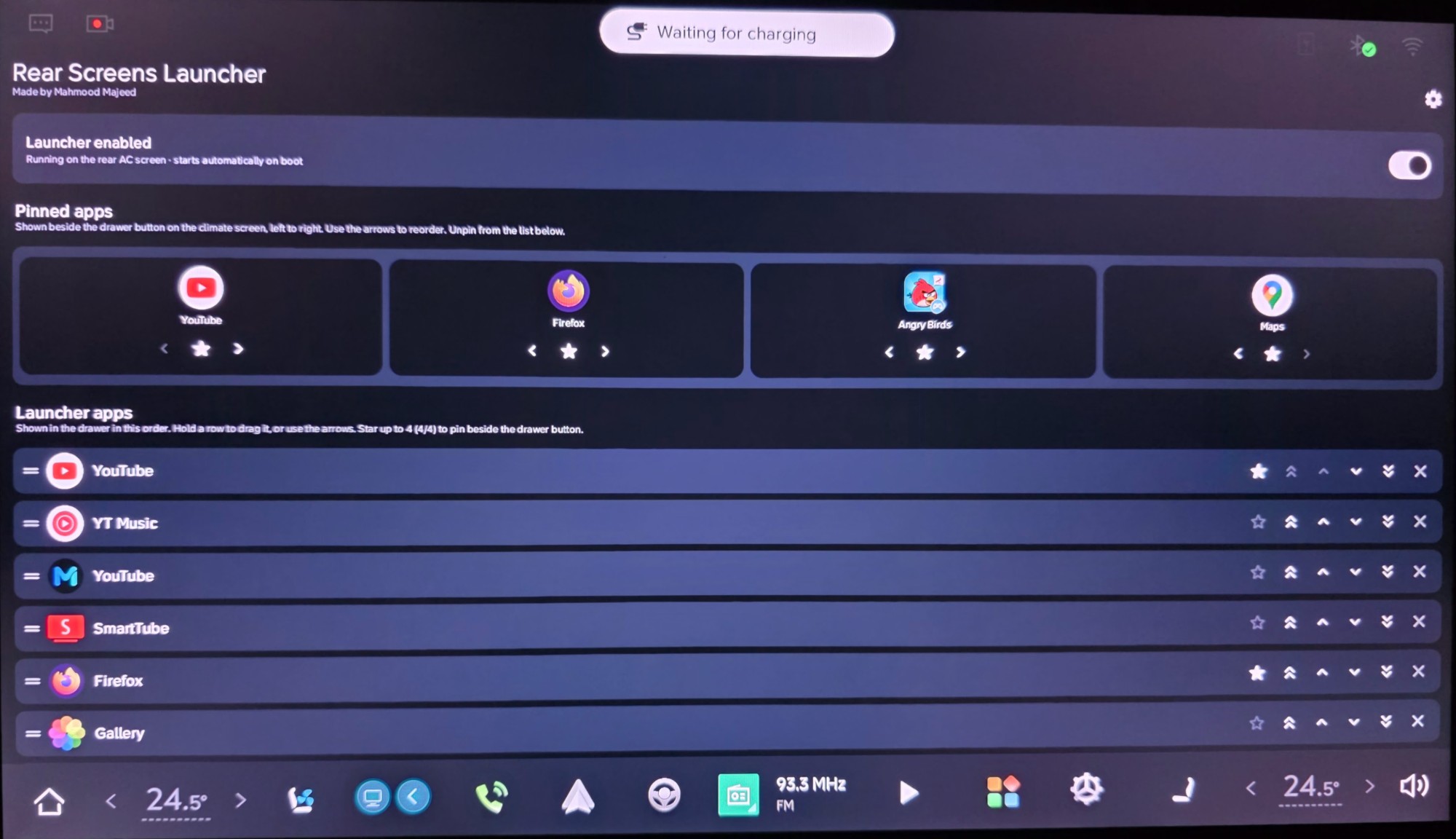
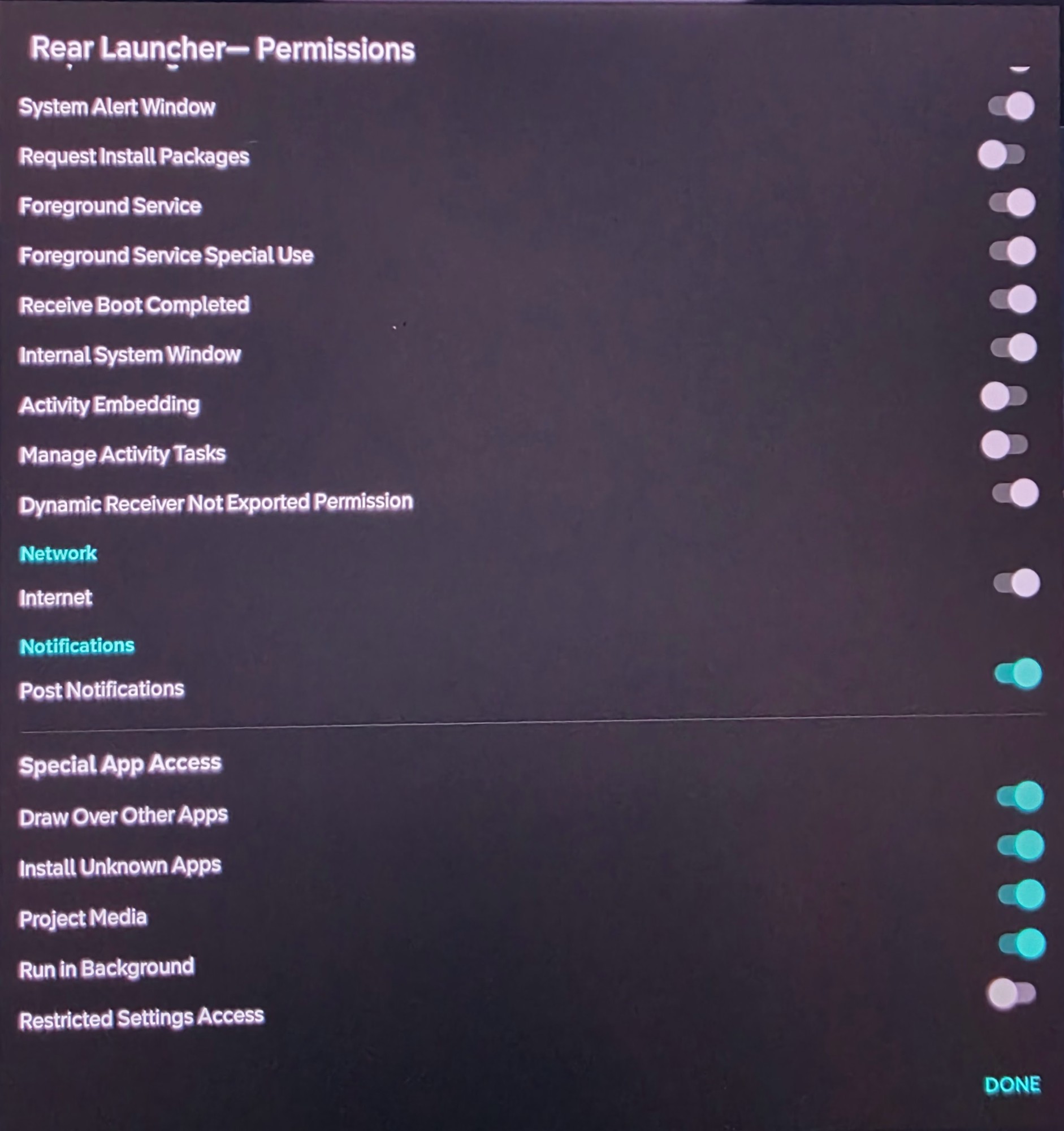
★
Pin favourites
Pin up to four apps beside the drawer button on the climate screen.
A lightweight launcher that pins your favourite apps beside the climate controls and opens them on the rear ceiling screen — no computer, no ADB.
Free · signed APK · installs directly on the head unit.
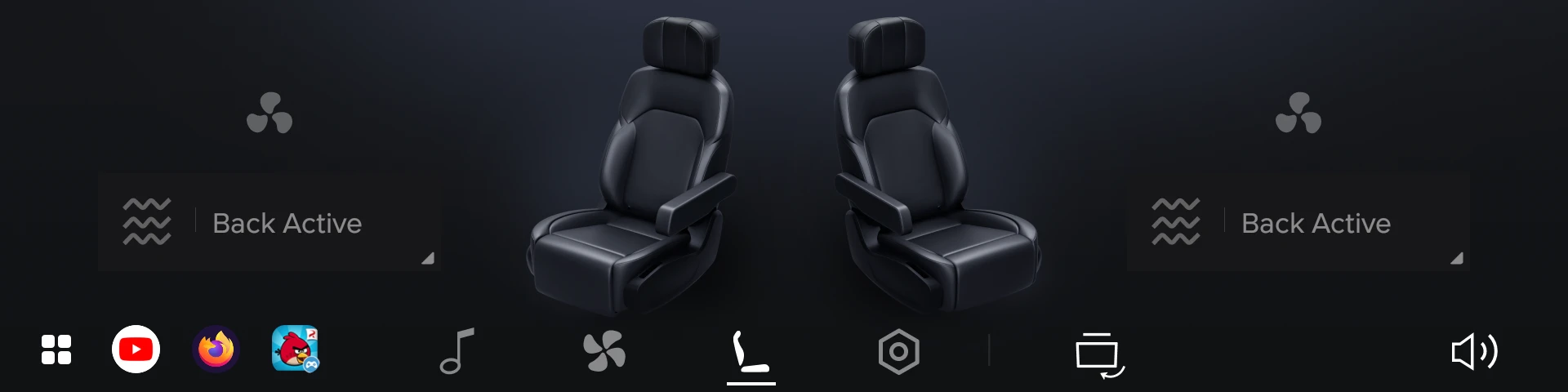
The launcher on the rear climate screen — favourites, drawer and Back button.
Pin up to four apps beside the drawer button on the climate screen.
Open a full-screen drawer of your chosen apps on the rear screen.
Launch apps on the rear ceiling display, right where passengers watch.
Runs quietly in the background and re-attaches automatically after every restart.
Reorder, add and remove apps from a clean settings screen on the main display.
Completely free, and it checks for updates and installs them in one tap.
Download the latest signed APK and install it directly on your car's head unit.
Download APK View all releases on GitHubOpen this page in a browser on the car (Firefox or Downloader) to download straight to the head unit. The DisplayMirror store is coming soon.
Follow these steps on the car. It takes about two minutes.